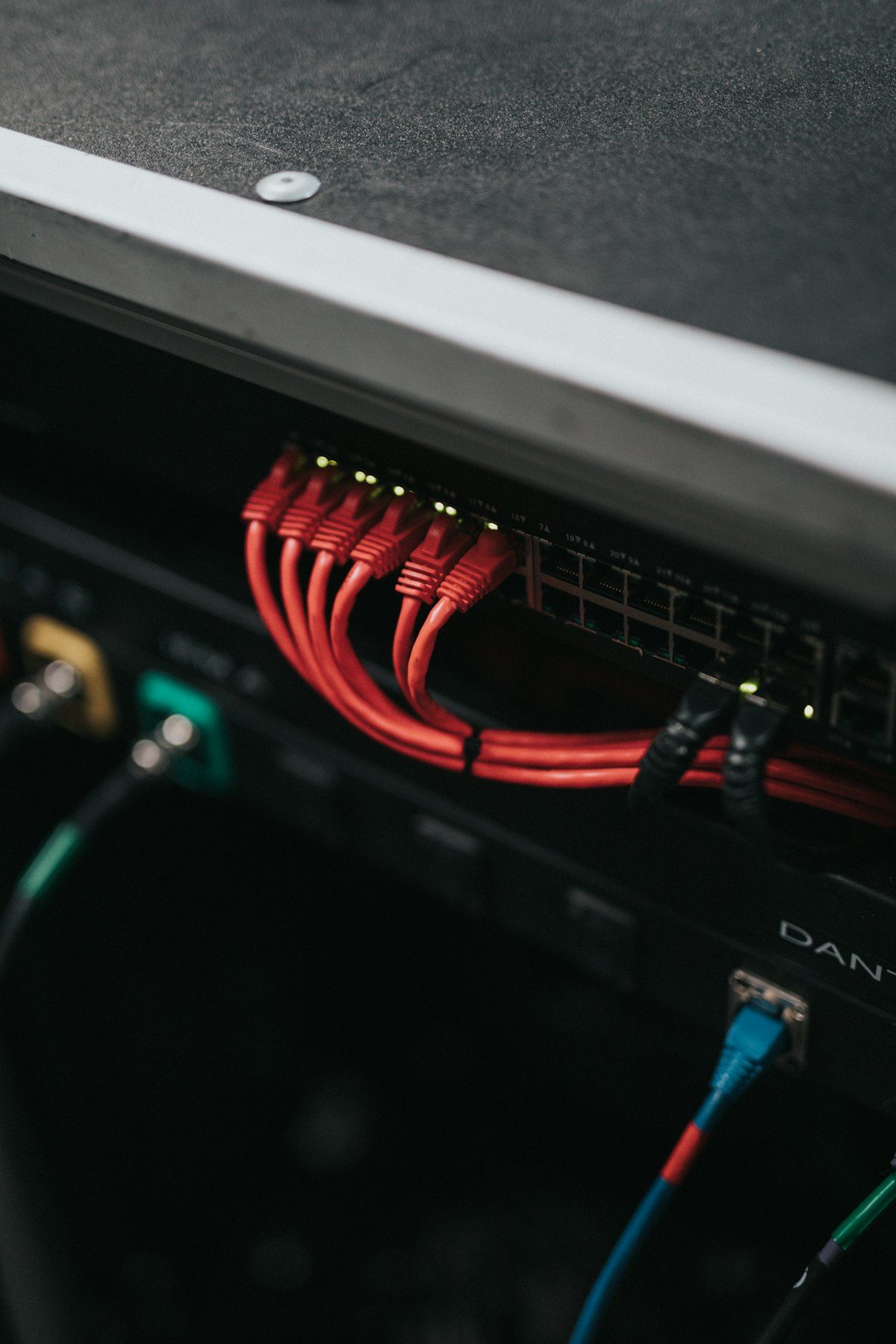
Physical installation of servers, switches, and appliances — cabling, labeling, and full documentation.
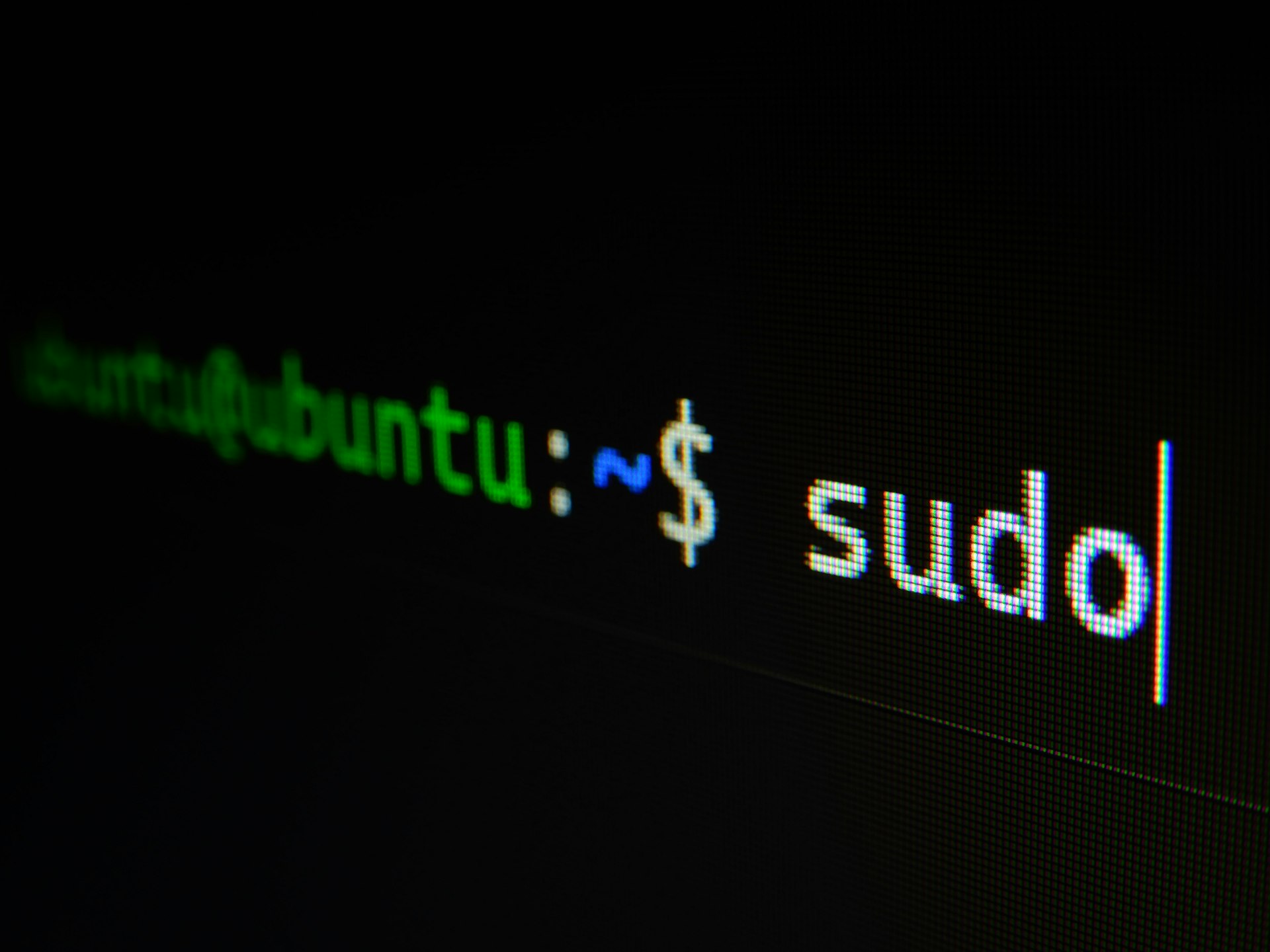
Full Linux server bring-up for Bay Area datacenters — from bare metal to a server your team can actually deploy workloads on.
Installing Linux on a server takes twenty minutes. Making it production-ready — correct network config, hardened SSH, proper DNS, monitoring hooks, and documented — takes discipline. Grace Technologies handles full Linux server bring-up for Bay Area datacenters: from bare metal to a server your team can actually deploy workloads on.
We serve Menlo Park, Palo Alto, San Jose, Santa Clara, San Francisco, and surrounding areas, in colocation facilities and on-premise datacenters.
We confirm your OS version, partition scheme, network plan, and hardening baseline — or help you define one.
Servers installed and configured, individually or in batches via PXE/kickstart for larger rollouts.
Every interface tested: ping, DNS resolution, gateway reachability, bonded-link failover.
Build sheets and an updated network inventory, plus credentials delivered securely.
Inconsistent server builds are a slow tax: every troubleshooting session starts with "wait, how was this one configured?" Standardized, documented builds mean your fleet behaves the same everywhere. Pair with our rack and stack service for physical install plus OS bring-up in one engagement, and our network inventory so every server's network footprint is recorded.
Ubuntu LTS, RHEL, and Rocky Linux — installed from ISO, PXE, or your gold image.
Yes. For rollouts of many identical hosts we use PXE/kickstart-based provisioning so every server builds identically, then validate each one individually.
Every build includes our hardening baseline: key-only SSH, disabled root login, host firewall rules, and current patches — plus your requirements on top.
Physical installation of servers, switches, and appliances — cabling, labeling, and full documentation.
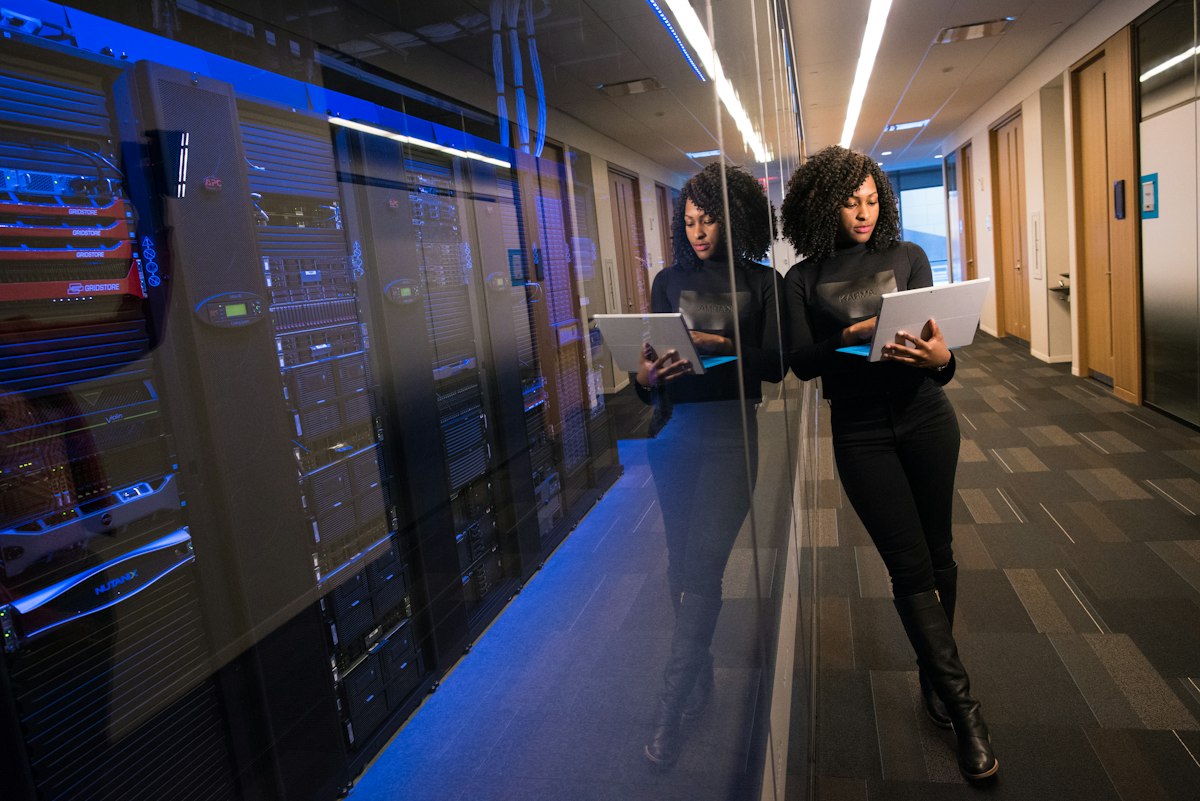
Port-by-port device documentation, IP address tracking, VLAN mapping, and full datacenter asset inventory.

Windows Server 2019/2022 deployment, IP configuration, domain join, roles, and network integration.
Send a server count and your OS/network requirements — we'll return a detailed plan within 48 hours. Call (408) 690-9327 or email info@gracetechnologies.us.