
Windows Server 2019/2022 deployment, IP configuration, domain join, roles, and network integration.
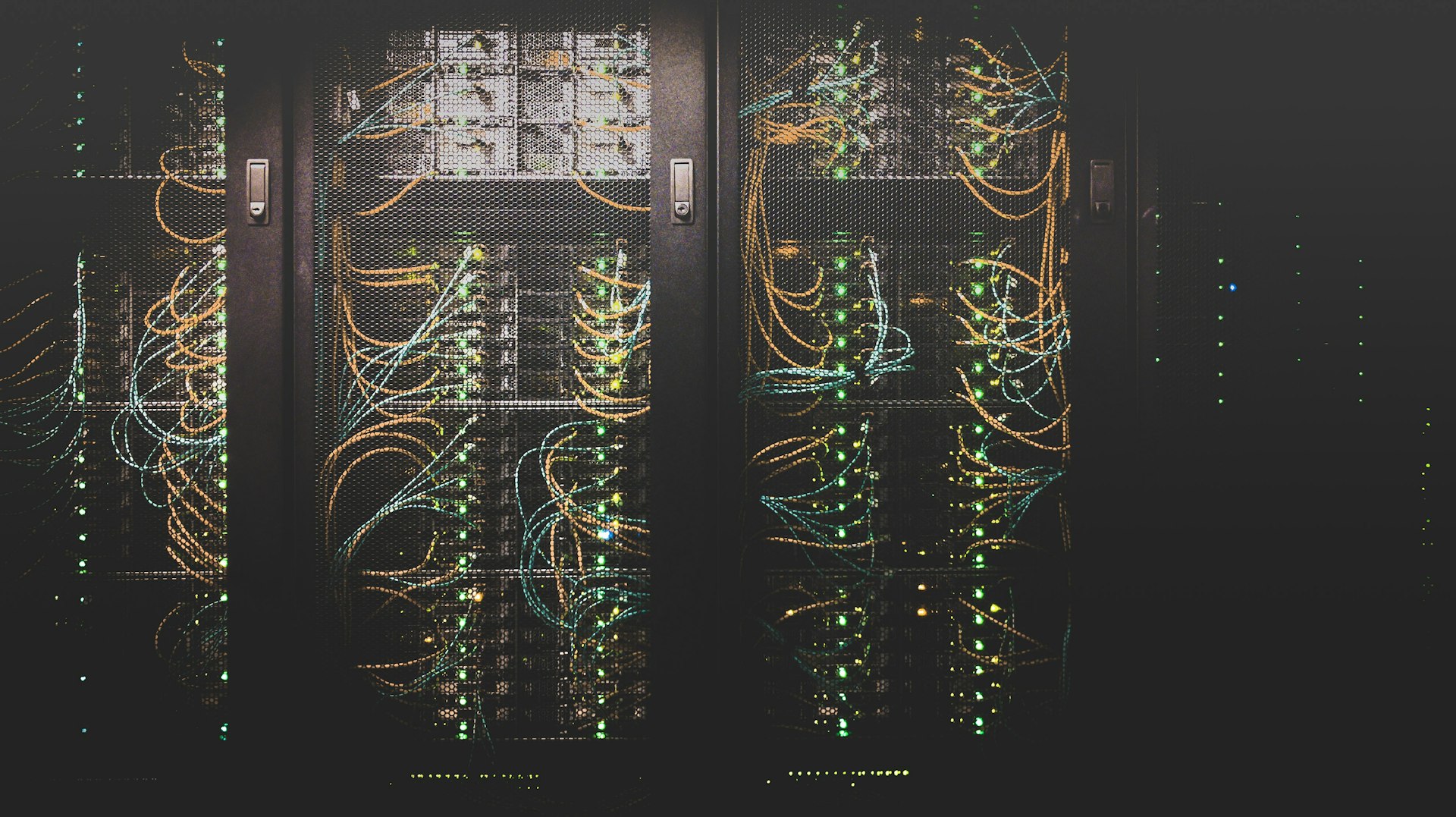
Setting up new computers and POS systems, moving and reconnecting workstations, and fixing the everyday issues that slow your team down.
Small businesses and satellite offices usually don't have an IT person down the hall — they have a printer that won't print, a new hire starting Monday with no computer ready, and an office move nobody wants to own. Grace Technologies handles the desktop side of IT for Bay Area offices: setting up new computers, moving and reconnecting workstations, and fixing the everyday issues that slow your team down.
We serve Menlo Park, Palo Alto, San Jose, Santa Clara, San Francisco, and the surrounding Bay Area — small businesses, professional offices, and corporate branch offices that need reliable hands-on IT help without hiring full-time staff.
Small businesses that have outgrown doing IT themselves, professional offices (legal, accounting, real estate, medical admin) where downtime costs billable hours, and corporate teams opening or moving a Bay Area office who need local hands to set up desks and workstations. If it plugs in at a desk, we set it up.
Tell us what you need: how many computers, a move date, or the issue you're hitting. Free consultation, no obligation.
A clear proposal within 48 hours: what's included, what we need from you, and scheduling that avoids your business hours when needed.
We do the work on-site: unbox, connect, configure, and test every workstation and printer.
Every user can log in, print, reach email, and get on the network before we leave.
A simple record of what's set up where: devices, accounts, and network connections, so the next change is easy.
An office move or a batch of new computers looks simple until twenty small things go wrong at once — missing cables, printers nobody can find, a new hire with no login. Done methodically, your team sits down and works. Because we also build datacenter and office networks, the desktop work connects cleanly to your switching, Wi-Fi, and servers instead of being bolted on afterward.
Yes. We disconnect, label, and pack workstations at the old office, then reconnect and test everything at the new site — computers, monitors, phones, printers, and network connections — so your team can sit down and work on day one.
Unboxing and placement, OS updates, user account and email setup, printer and scanner configuration, Wi-Fi or wired network connection, business app installation, and data transfer from the old machine.
Both. Many clients call us for a move or a batch of new computers first, then keep us as their on-call IT help for day-to-day desktop issues. No long-term contract required.
Windows Server 2019/2022 deployment, IP configuration, domain join, roles, and network integration.
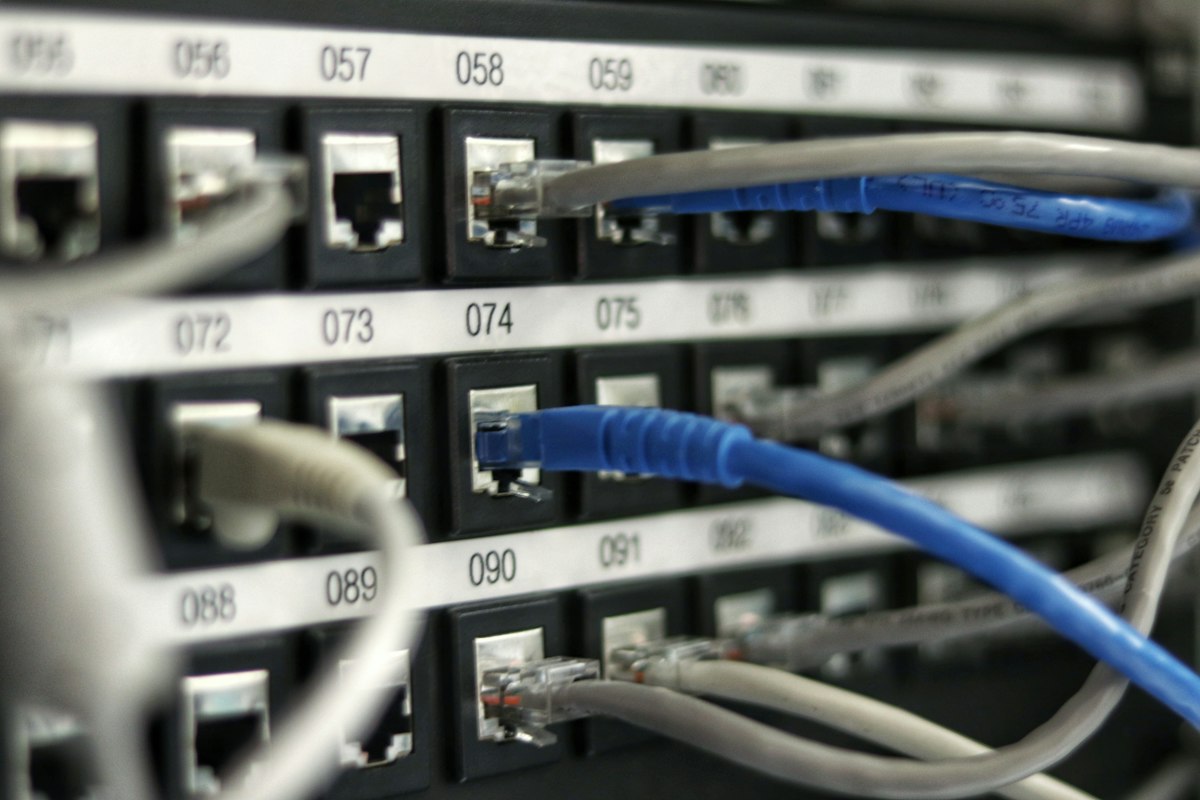
Enterprise router and switch deployment, configuration, and optimization for datacenter and campus networks.
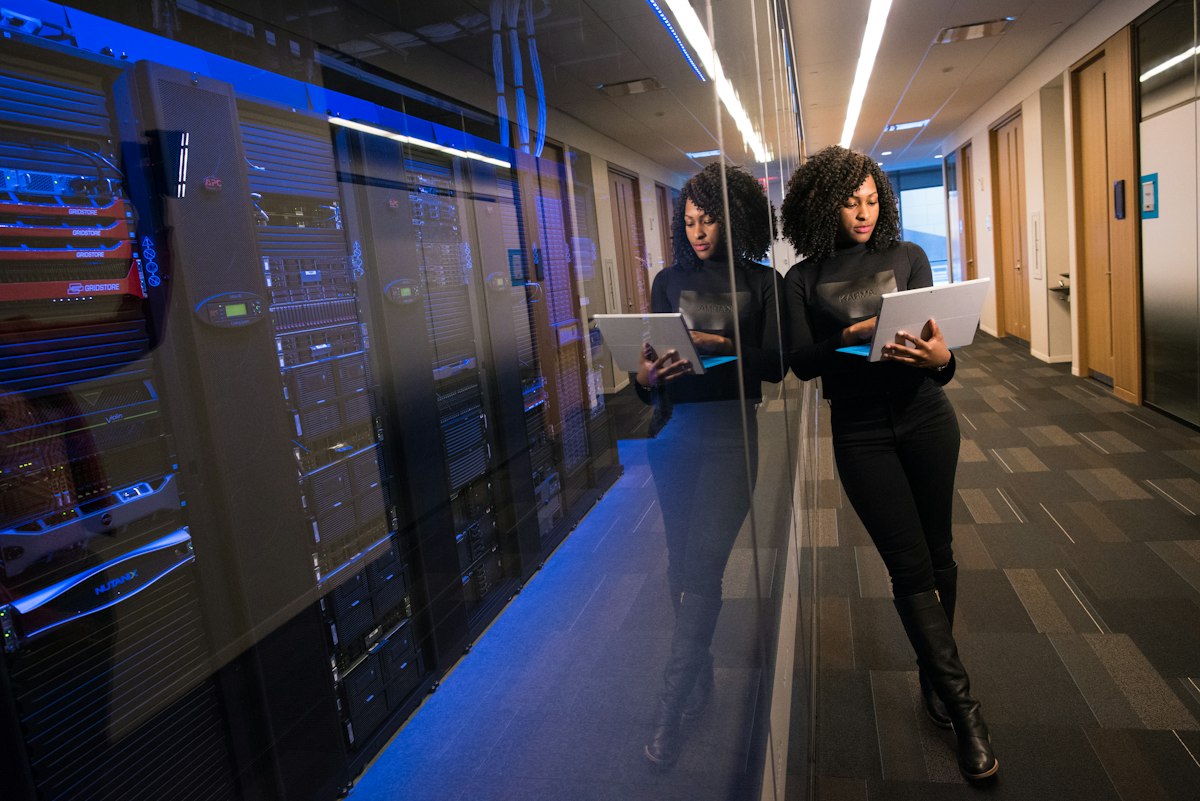
Port-by-port device documentation, IP address tracking, VLAN mapping, and full datacenter asset inventory.
Tell us what you need — an office move, new computers, or desktop help — and we'll send a detailed plan and quote within 48 hours. Call (408) 690-9327 or email info@gracetechnologies.us.